Falcon IPTV setup
Installation tutorials
Step-by-step guides with screenshots: after payment we send your login on WhatsApp. You paste it into a player app on Fire Stick, Smart TV, phone or PC. Falcon IPTV is the service. The player only opens Live TV, movies and series.
Falcon IPTV — official Falcon IPTV homepage and plans on falconiptv.
Before you start
What we send you
Usually an Xtream Codes login: Server URL, Username and Password. Sometimes an M3U playlist link instead. Copy-paste. Do not retype.
What you need
Stable Wi‑Fi or Ethernet (roughly 10+ Mbps for HD, more for 4K). Your device model. WhatsApp open so you can paste credentials.
Player ≠ subscription
Apps like IPTV Smarters Pro, TiviMate or IBO Player do not include channels. They only play the login we provide.
Ask first if unsure
Message Falcon IPTV with your exact TV/box model before ordering. We tell you which player fits.
Xtream Codes fields (most common)
- Any name / playlist name: a label only (e.g. “Home TV”)
- Username: from WhatsApp (case-sensitive)
- Password: from WhatsApp (case-sensitive)
- Server URL: includes
http://orhttps://and often a port (e.g.:8080). No trailing slash; do not add/get.phppaths in TiviMate
Amazon Fire TV Stick
Fire Stick: IPTV Smarters Pro or TiviMate
Fire Stick is the most common setup. Many players are not in the Amazon store, so you install via the free Downloader app (sideload). We send the current install link or shortcode in WhatsApp so it stays up to date: public Downloader codes change often.
Visual overview: 4 taps
-
 1. Allow installs
Settings → My Fire TV → Developer options → Install unknown apps → turn Downloader On.
1. Allow installs
Settings → My Fire TV → Developer options → Install unknown apps → turn Downloader On.
-
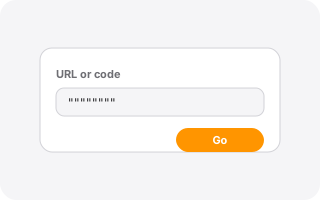 2. Downloader
Amazon store → install free Downloader (orange icon) → paste the URL/code we send → Go → Download → Install.
2. Downloader
Amazon store → install free Downloader (orange icon) → paste the URL/code we send → Go → Download → Install.
-
 3. Xtream login
Open the player → Login with Xtream Codes API → paste Name, Username, Password, Server URL → Add User.
3. Xtream login
Open the player → Login with Xtream Codes API → paste Name, Username, Password, Server URL → Add User.
-
4. Watch
Wait for Live / Movies / Series to load (often 10–45 seconds on first sync).
 IPTV Smarters Pro
A) Full install: IPTV Smarters Pro
- From the Fire Stick home screen, search for Downloader (by AFTVnews) → Get / Download → Open → Allow storage access.
- Settings → My Fire TV → Developer options → Install unknown apps → enable Downloader.
- Open Downloader → enter the URL or code we send on WhatsApp (do not rely on old YouTube codes) → Go → Download → Install → Done. Delete the APK when asked to free space.
- Open IPTV Smarters Pro → choose a TV layout if asked → Accept terms (the app does not include channels).
- Select Login with Xtream Codes API (prefer this over a long M3U URL when we send server + user + pass).
- Paste Name, Username, Password, Server URL exactly → Add User. Wait for Live / Movies / Series / Catch‑up to populate.
If login fails, check for a trailing space on the Server URL and confirm the port is included when we list one.
 TiviMate
B) Or use TiviMate (best remote / EPG feel)
- Sideload TiviMate the same way (Downloader + the link we send).
- Open TiviMate → Add playlist (or Settings → Playlists → Add).
- Choose Xtream Codes, not M3U, unless we specifically sent an M3U link.
- Enter Server URL as
http://host:portonly (no trailing slash, no/get.php). Then Username and Password → Next → name the playlist → Done. - If the TV guide is empty: Settings → EPG → Update EPG. First sync can take up to a minute.
TiviMate Premium unlock is optional and paid to TiviMate, separate from your Falcon IPTV plan. Use a phone remote app to paste long credentials if the on-screen keyboard is awkward.

Google TV · Android boxes · Shield
Android TV / Google TV
Same players as Fire Stick. If the app is in Google Play for your country, install from the store; otherwise we send a sideload link.
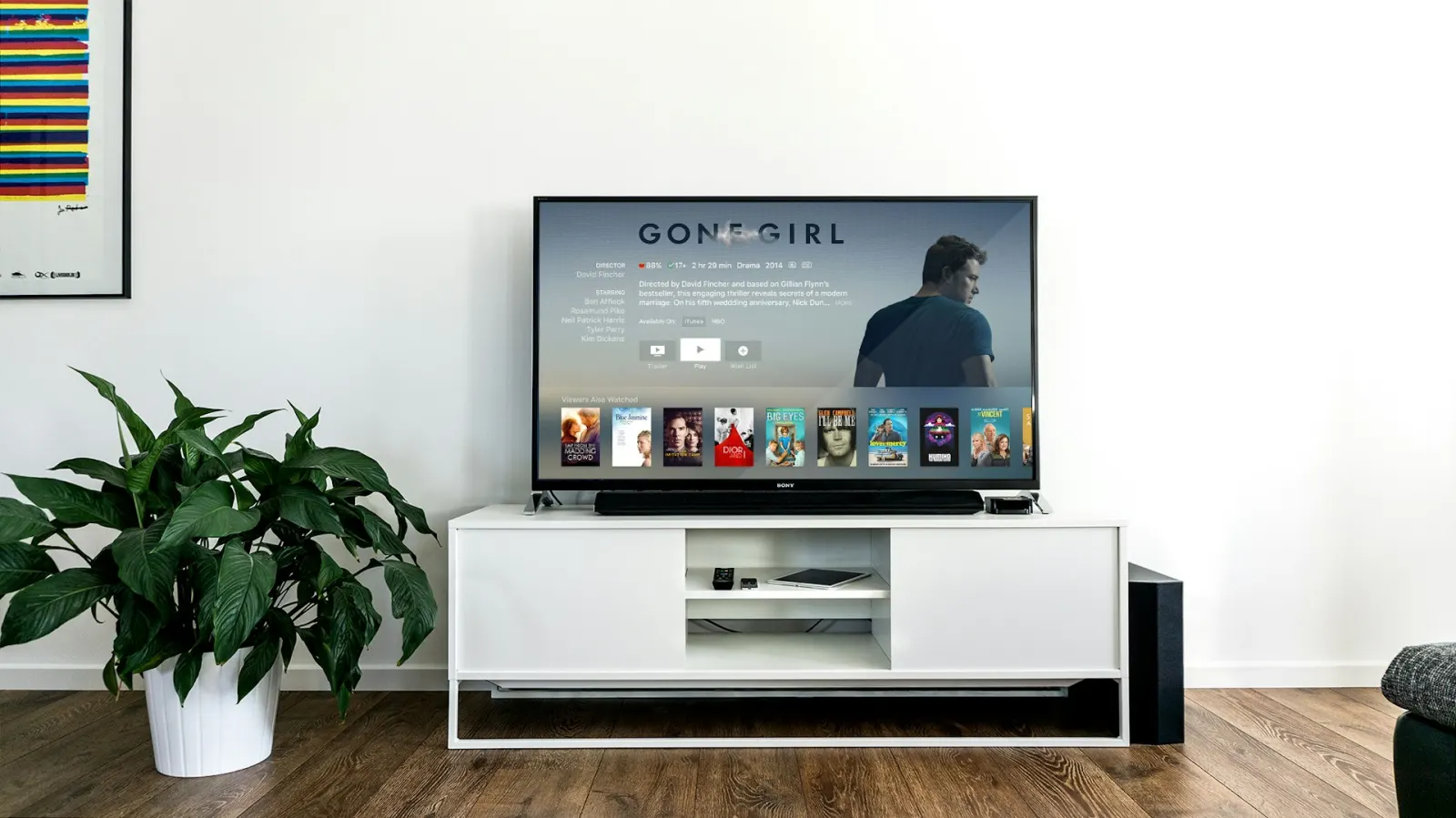
- Open Google Play (or sideload if the app is region-limited).
- Install IPTV Smarters Pro or TiviMate as we recommend for your box.
- Login with Xtream Codes using the WhatsApp details (same fields as Fire Stick).
- Prefer Ethernet or strong 5 GHz Wi‑Fi for sport and HD. Disable battery optimisation for the player if the box kills background EPG updates.
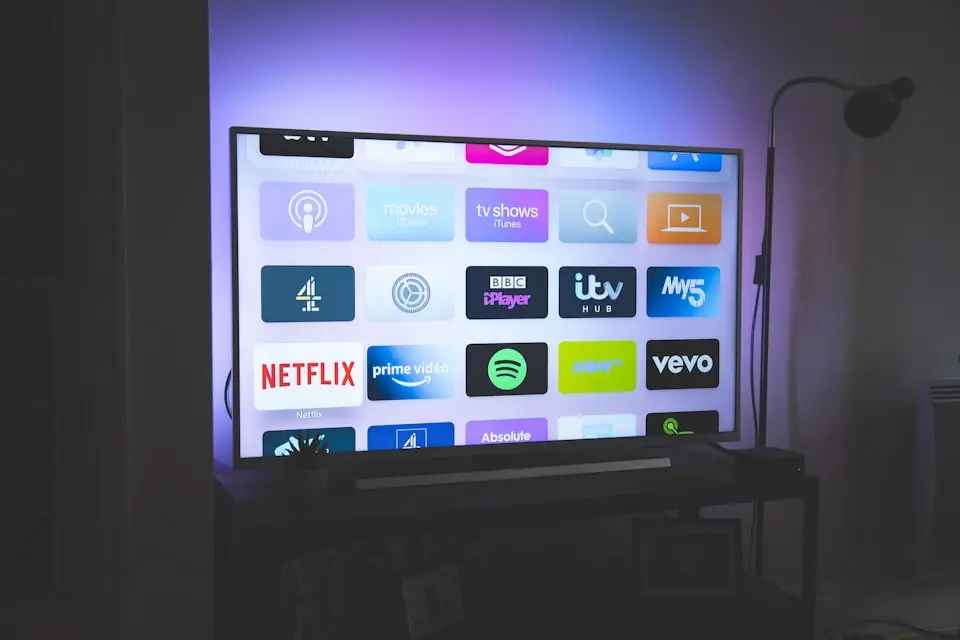
Samsung Tizen · LG webOS
Smart TV: IBO Player or Smart IPTV
Many Samsung and LG TVs use a MAC / device-key player. You install from the TV store, note the MAC on screen, then link the playlist on a phone or PC portal.
-
 1. Install from TV store
Home → Apps / Content Store → search IBO Player or Smart IPTV → Install → Open.
1. Install from TV store
Home → Apps / Content Store → search IBO Player or Smart IPTV → Install → Open.
-
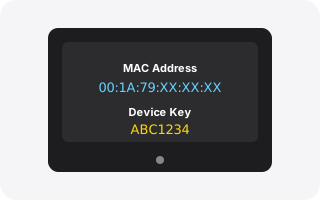 2. Photo the MAC
Note MAC address and Device key (IBO). Send them on WhatsApp or enter them on the player portal.
2. Photo the MAC
Note MAC address and Device key (IBO). Send them on WhatsApp or enter them on the player portal.
-
3. Add playlist
On phone/PC portal: paste M3U or Xtream details we send → Save → fully close and reopen the TV app.
IBO Player
IBO Player (Samsung / LG)
- Press Home → open Apps (Samsung Smart Hub) or LG Content Store → search IBO Player (or IBO Player Pro) → Install → Open.
- On the welcome screen, note the MAC address and Device key. Photograph them with your phone.
- Send those to us on WhatsApp, or open the IBO management portal on your phone, enter MAC + key, and add the playlist / Xtream details we send.
- Fully close the app on the TV and reopen so channels load. Keep the TV firmware updated (Settings → Support → Software Update) if the store install fails.
IBO often has a short trial, then a small one-time player activation fee paid to the app maker, not part of your Falcon IPTV prepaid plan. We explain this before you pay.
 Smart IPTV
Smart IPTV (SIPTV)
- Install Smart IPTV from your TV’s app store.
- Open it and write down the on-screen MAC address.
- On siptv.eu (or the link we send), register that MAC and upload your M3U / playlist.
- Restart the app on the TV. After the trial, SIPTV may ask for its own lifetime key.
iOS · Android
iPhone, iPad & Android phones
Best for travel and as a remote clipboard. Paste credentials from WhatsApp into the player without typing on a TV keyboard.
- Install a store-approved player (often IPTV Smarters Pro. Availability varies by country and store rules).
- Open the app → Accept terms → Xtream Codes API.
- Paste Username, Password and Server URL from WhatsApp → Add User.
- Use Wi‑Fi; mobile data works but uses a lot of allowance for live sport.
If the app is missing in your store, tell us your phone model. We suggest an allowed alternative.

Desktop
Windows & Mac
Useful to test a login quickly. For the sofa, a Fire Stick or Smart TV player is usually easier than a laptop.
- Install IPTV Smarters Pro (desktop) or another player we confirm for your OS.
- Login with Xtream Codes the same way as on TV. Paste from WhatsApp.
- Keep the laptop plugged in and on a wired or strong Wi‑Fi connection for HD.
Which player should I use?


Quick fixes
Login failed
Check for extra spaces. Confirm Server URL includes http/https and port. On TiviMate, do not add path segments after the host. Ask us to resend a fresh copy.
Buffering
Move closer to Wi‑Fi, try 5 GHz, or use Ethernet. Pause other downloads. Lower stream quality in the player if needed.
Empty channel list
Wait 1–2 minutes on first load. Force-close and reopen the app. On Smart TV MAC players, confirm the playlist was saved on the portal.
Still stuck?
WhatsApp Falcon IPTV with your device model + a screenshot. We walk you through the exact taps.
Setup flows follow common public player docs for IPTV Smarters on Fire Stick, TiviMate Xtream setup, and IBO Player on Samsung/LG. Always use the credentials and install links we send you. Downloader codes on the web go stale.